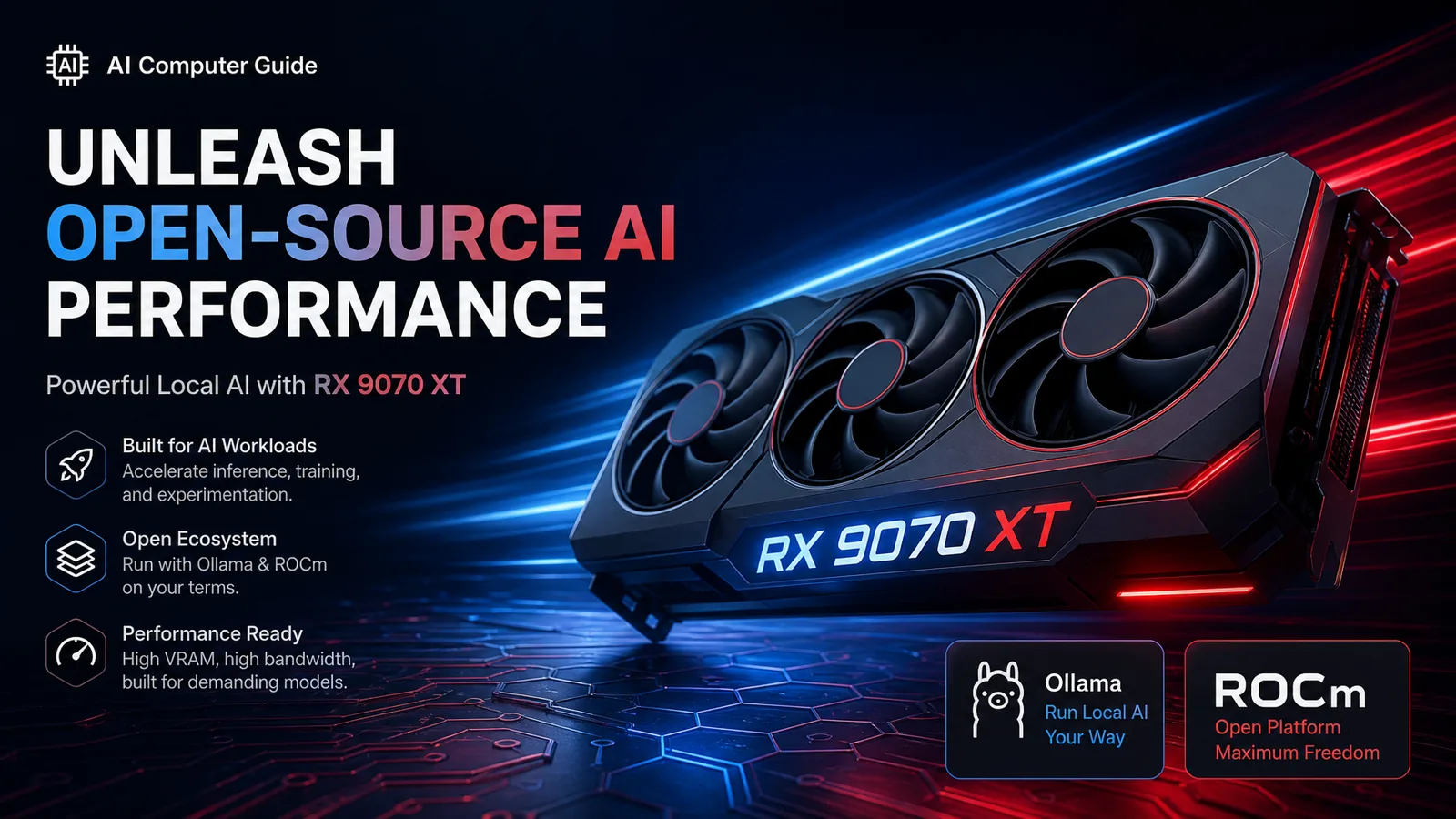
NVIDIA 50-series cards are often OOS in our August 2026 catalog while AMD Radeon RX 9070 XT (16GB) shows in stock near $799.99 (~$50/GB). That is exactly when local LLM builders should keep a tested AMD path on the shelf.
This guide is the practical Ollama / ROCm-oriented route for 9070 XT, not a promise that every CUDA tutorial will paste cleanly.
Why 9070 XT Matters This Week
| Factor | Snapshot (hardware.json 2026-08-04) |
|---|---|
| VRAM | 16GB |
| Catalog price | $799.99 |
| $/GB | ~$50 (full leaderboard) |
| Stock flag | In stock |
| ASIN | B0DRPRZMK2 |
| TDP class | ~250W |
Compare with OOS 5070 Ti ~$950 and 5080 ~$1400 for the same 16GB ceiling.
What 16GB Buys You on AMD
Same capacity math as NVIDIA 16GB:
| Workload | Expectation |
|---|---|
| 7B–14B Q4/Q5 chat | Comfortable |
| ~32B Q4 | Possible with context discipline |
| 70B Q4 full GPU | No without heavy offload / multi-GPU |
| MiniMax M2.5 Q4 ~18-20GB class | Tight; prefer 24GB |
See also best 16GB GPUs.
Software Path (Reality Order)
1) Prefer Linux for serious ROCm
Windows usability improved, but most “it finally works” posts still assume a recent Ubuntu LTS + matching ROCm stack. Community ROCm threads for new RDNA parts (including nearby R9700 getting-started notes) emphasize patient driver setup (r/ROCm getting started).
2) Ollama when you want the easy API
- Install Ollama; ensure GPU backend detects the 9070 XT
ollama runa known-good Q4 model first (llama3.1:8b-class) before giant MoE- Point Open WebUI at the local API for the household
Installers increasingly auto-detect NVIDIA or ROCm when drivers exist (Ollama install overview).
3) llama.cpp when Ollama is slow or stuck
Raw llama.cpp / Vulkan or ROCm builds remain the escape hatch. Our runtime comparison still applies: product UX vs last-token control.
4) LM Studio for GUI shoppers
Useful for trying GGUFs quickly; verify the build’s AMD acceleration path on your OS.
Build Notes
- PSU: quality 750W+ depending on CPU; 250W TDP is friendlier than 5090-class heat
- Case airflow: still a 16GB mid-high card
- Motherboard: standard PCIe 4.0 x16 is fine for inference
- RAM: 64GB system if you offload; 32GB minimum for light chat
Buy link: RX 9070 XT on Amazon · sibling RX 9070
When to Force NVIDIA Anyway
- You depend on a CUDA-only training / TensorRT path
- Your team’s runbooks are 100% NVIDIA
- You need the absolute highest tok/s on a given dense model and can wait for stock
Otherwise, in-stock 16GB at $50/GB is how you ship tokens while scalpers sit on 50-series listings.
FAQ
Is ROCm as easy as CUDA for Ollama? Usually not. Budget an evening for drivers. Once stable, day-to-day Ollama usage feels similar.
Can 9070 XT run DeepSeek V4 Flash? Flash is a ~100GB+ system memory problem, not a 16GB GPU problem. See Flash hardware.
9070 or 9070 XT for LLMs? Both are 16GB in our catalog. XT is the higher power / performance bin; for pure VRAM capacity they tie. Prefer whichever is cheaper per dollar the day you buy.
Bottom Line
When NVIDIA shelves are empty, RX 9070 XT + Linux + Ollama/llama.cpp is a legitimate local LLM lane at competitive $/GB. Validate drivers early, stay in the 16GB model class, and build the rest in the AI Computer Builder.
As an Amazon Associate, I earn from qualifying purchases.
About the Author: Justin Murray
AI Computer Guide Founder, has over a decade of AI and computer hardware experience. From leading the cryptocurrency mining hardware rush to repairing personal and commercial computer hardware, Justin has always had a passion for sharing knowledge and the cutting edge.