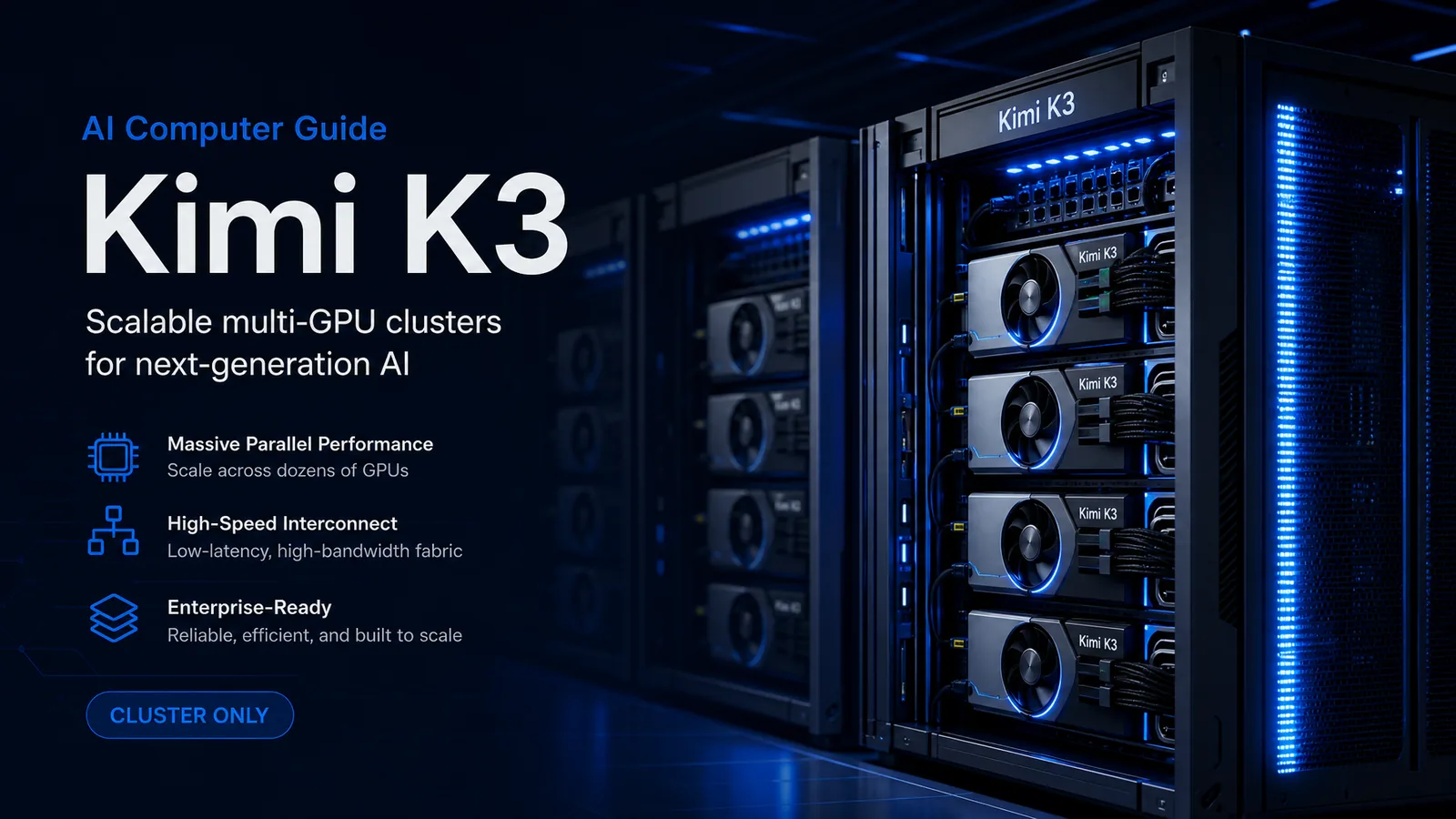
Kimi K3 is the model name lighting up r/LocalLLM this week: multi-hundred-GB GGUFs, 16× GB10 cluster demos, and posts like 672 GB VRAM on 7× RTX PRO 6000… Kimi K3 wants 1.5…. LLM Daily 2026-08-05 also flagged full-model runs on large GB10 clusters.
This guide is the honest hardware filter so you do not buy a 24GB gaming card “for K3.”
Primary measurements: ComputingForGeeks, Run Kimi K3 locally.
What K3 Actually Is
| Spec (public / measured writeups) | Value |
|---|---|
| Total parameters | ~2.8T (llama.cpp reads ~2779B from GGUF) |
| Active per token | ~104B (16 experts of 896) |
| Context | up to ~1M tokens (architecture claim) |
| Smallest common dynamic quant | UD-IQ1_S ~594 GB on disk |
| Memory floor for that quant | ~610 GB RAM + VRAM combined |
MoE helps compute. It does nothing for the fact that experts still have to live somewhere.
Quant → Memory Floor
| Quant | ~Disk | ~RAM+VRAM needed |
|---|---|---|
| UD-IQ1_S | 594 GB | 610 GB |
| UD-IQ1_M | 649 GB | 665 GB |
| UD-IQ2_XXS | 711 GB | 726 GB |
| UD-Q2_K_XL | 861 GB | 880 GB |
| UD-Q4_K_XL | 1.51 TB | ~1.56 TB |
| UD-Q8_K_XL | 1.56 TB | ~1.6 TB |
Source table: CFG Kimi K3 guide.
Real Test Box Reality Check
CFG’s rented rig: 4× A100 40GB (160GB VRAM) + ~2 TB system RAM, llama.cpp with --cpu-moe so experts stay in host RAM.
| Metric | Result |
|---|---|
| Prompt processing | ~12.9 tok/s (bench) / ~5.5-6.2 tok/s server short prompts |
| Generation | ~0.1 tok/s (one token ~10s) |
| GPU util during gen | ~0-1% (bandwidth starved pulling experts from RAM) |
| Cloud cost of experiment | ~$8 on a ~$3.87/hr box |
That is not a chat UI. A 500-token answer is more than an hour. Full-VRAM residency (many 80GB-class cards) is what Unsloth-scale notes imply for “real” speed, not a single consumer GPU.
Community cluster posts (7× pro Blackwell, 16× GB10) are chasing exactly that residency and interconnect problem, not a $1,300 5090.
Hardware Tiers (Be Brutal)
Tier 0, Do not buy for K3
- Any single 12-32GB gaming GPU alone
- “I’ll offload to a 64GB gaming PC”
- Expecting ChatGPT latency on IQ1_S with
--cpu-moe
Tier 1, Lab / curiosity (rent preferred)
- ≥640GB combined host RAM + accelerator memory for IQ1_S
- Multi-socket EPYC/TR + several datacenter GPUs
- Budget: rent hourly, do not finance a house for a demo
Tier 2, Serious local K3
- Enough fast memory on-package or multi-GPU that experts are not stuck on DDR5
- Examples discussed in the wild: multi-GB10 Spark clusters (LLM Daily), dense pro GPU trays
- Plan power: multi-kW wall draws appear in community multi-PRO-6000 builds
Tier 3, What most readers should run instead
- DeepSeek V4 Flash on 128GB+ RAM workstations (Flash guide)
- 30B–70B Q4 on 24GB+ cards (best GPU DeepSeek R1)
- Keep K3 as API when you need the frontier MoE quality
Software Notes (If You Still Proceed)
- Fresh llama.cpp build that understands the arch
- Pull Unsloth
Kimi-K3-GGUFshards (14 files for IQ1_S) - Flags that mattered in CFG’s load:
--n-gpu-layers 99 --cpu-moeand full load (avoid naive mmap paging) - Watch reasoning effort: high default reasoning can burn the entire
max_tokensbudget on empty visible content
FAQ
Can a dual RTX 3090 run Kimi K3? Not in any interactive sense. 48GB is an order of magnitude below the ~610GB IQ1_S floor.
Is K3 like DeepSeek V4 Flash? Same MoE lesson, different scale. Flash is a ~100GB-class problem. K3 is a 600GB–TB problem.
Should I build a 7-GPU pro box because Reddit did? Only if you already run a lab budget. Most affiliates and home builders will get more life from price/GB shopping and 24GB daily drivers.
Bottom Line
Kimi K3 local is a cluster and cloud story in August 2026. Celebrate the open weights. Do not lie to your wallet. For metal you can touch this quarter, pick Flash, R1-class dense models, or a strong 24GB card, and open the builder.
As an Amazon Associate, I earn from qualifying purchases.
About the Author: Justin Murray
AI Computer Guide Founder, has over a decade of AI and computer hardware experience. From leading the cryptocurrency mining hardware rush to repairing personal and commercial computer hardware, Justin has always had a passion for sharing knowledge and the cutting edge.