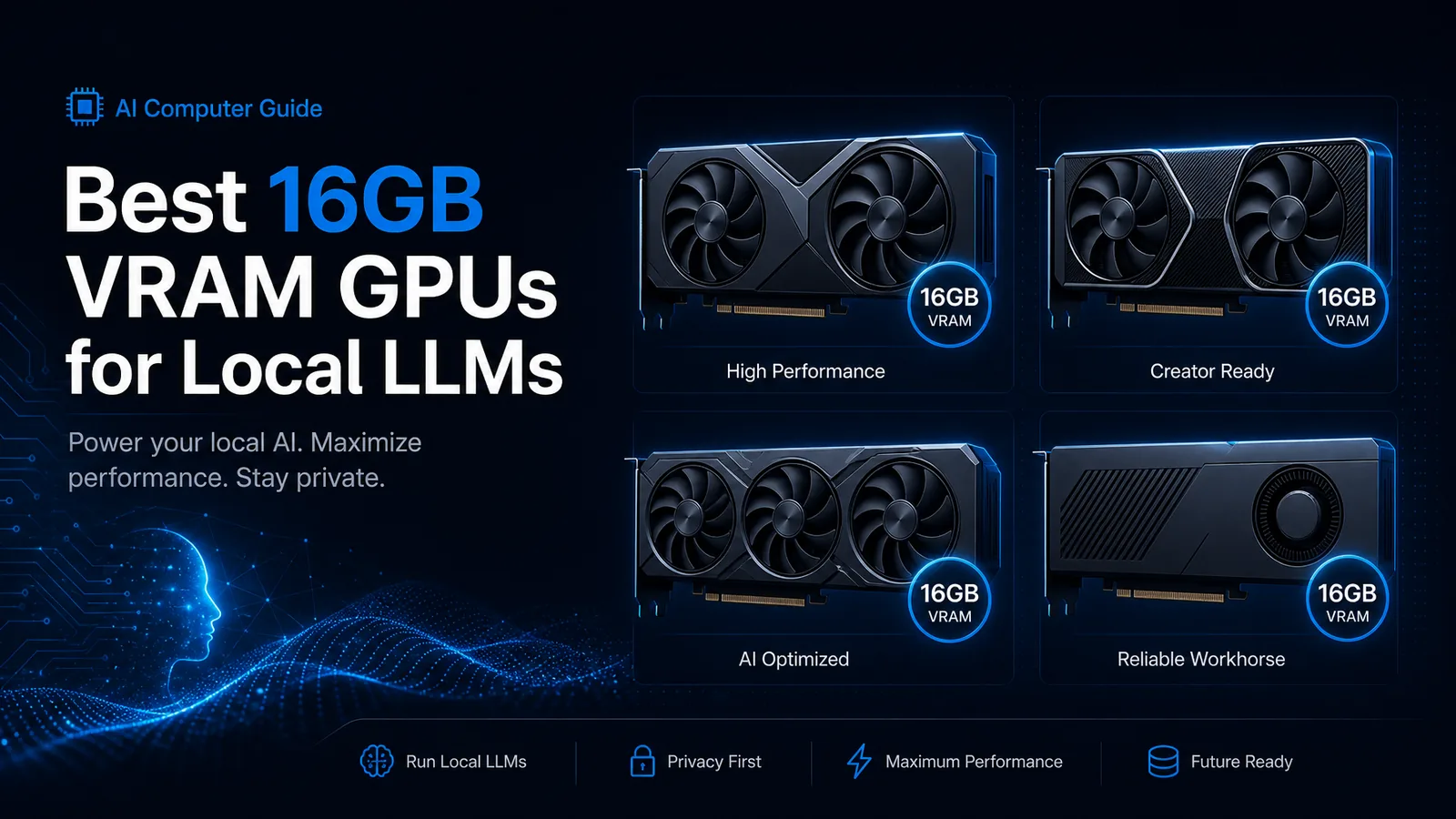
Sixteen gigabytes is the practical sweet spot for a lot of home local-LLM boxes in 2026: large enough for strong 14B–32B quant workflows, small enough to stay near mainstream pricing. This guide ranks the best 16GB VRAM GPUs for local LLMs using AI Computer Guide catalog data (snapshot 2026-08-04) plus real-world speed references from public llama.cpp-style comparisons.
If you still need the fundamentals first, read How Much VRAM Do You Need for LLMs and the broader Best GPU for Local AI & LLMs.
Quick Picks
| Priority | GPU | VRAM | Catalog price | Why |
|---|---|---|---|---|
| Best overall 16GB NVIDIA | RTX 5070 Ti | 16GB GDDR7 | ~$950 | Strong Blackwell efficiency at 16GB |
| Best last-gen NVIDIA 16GB | RTX 4080 Super | 16GB GDDR6X | ~$1,520 | Mature Ada stack; often pricey used/new |
| Best value Ada 16GB | RTX 4070 Ti Super | 16GB GDDR6X | street varies hard | 16GB without 4080 Super tax when deals appear |
| Best AMD 16GB in stock* | RX 9070 XT | 16GB | ~$800 | In-stock catalog path; ROCm/Vulkan caveats |
| Halo single-GPU 16GB | RTX 5080 | 16GB GDDR7 | ~$1,400 | Faster 16GB tier; watch stock |
*Stock flags from site hardware feed on 2026-08-04: RX 9070 / 9070 XT showed in stock; several NVIDIA 50-series cards showed OOS.
What 16GB Actually Runs
| Model class (typical Q4-ish) | Fits 16GB? | Notes |
|---|---|---|
| 7B–9B chat/code | Yes | Plenty of KV headroom |
| 14B–22B | Yes | Daily-driver zone |
| ~32B dense Q4 | Tight / yes | Watch context length |
| 70B Q4 | No (full GPU) | Needs multi-GPU, offload, or heavier quant |
| MoE “active params” small | Often yes | Expert routing can surprise VRAM use |
Community threads in 2026 still center 16GB cards on high-quality mid-size models and coding stacks rather than full 70B Q4 (r/LocalLLM 16GB model picks).
Ranked 16GB Options
1. NVIDIA GeForce RTX 5070 Ti, best balanced 16GB for local LLMs
- VRAM / bus: 16GB GDDR7, ~896 GB/s bandwidth (catalog)
- TDP: 300W
- Catalog price: ~$949.97
- Why it wins: Hits the 16GB ceiling with Blackwell-generation efficiency. Public comparative charts place 5070 Ti around the high-100s tok/s class on Llama 3.1 8B Q4_K_M style benches, near or slightly above strong last-gen 16GB cards depending on stack (llmconfigurator RTX 5080 comparison table lists 5070 Ti ~115 t/s vs 4080 Super ~110 t/s on that specific board).
- Watch-outs: Availability; confirm cooler length and PSU leads.
- Buy: RTX 5070 Ti on Amazon
2. NVIDIA GeForce RTX 5080, fastest mainstream 16GB when you can find it
- VRAM: 16GB GDDR7, ~960 GB/s
- TDP: 360W
- Catalog price: ~$1,399.99
- Why consider it: Same 16GB model ceiling as 5070 Ti with more throughput headroom (table above cites ~132 t/s on the same 8B Q4-style comparison).
- Skip if: You are VRAM-limited on 32B+ long context; extra speed does not add capacity.
- Buy: RTX 5080 on Amazon
3. NVIDIA GeForce RTX 4080 Super, proven Ada 16GB workhorse
- VRAM: 16GB GDDR6X
- TDP: (Ada 4080 Super class; plan ~320W board power)
- Catalog price: ~$1,519.99
- Why it remains relevant: Mature drivers, huge software compatibility, still competitive tok/s for 16GB class.
- Skip if: Street price sits above 5070 Ti for similar real LLM speed.
- Buy: RTX 4080 Super on Amazon
4. NVIDIA GeForce RTX 4070 Ti Super, 16GB value hunter
- VRAM: 16GB GDDR6X
- Catalog price: feed shows volatile street numbers; treat live listings as source of truth
- Why: Same 16GB capacity tier as 4080 Super at (sometimes) far lower cost.
- Best for: Builders who refuse to drop 5080 money but want CUDA + 16GB.
- Buy: RTX 4070 Ti Super search
5. AMD Radeon RX 9070 XT, in-stock 16GB alternative
- VRAM: 16GB
- Catalog price: ~$799.99, marked in stock on 2026-08-04 feed
- Why: Attractive if NVIDIA 16GB cards are scalped or OOS. Some Windows/Linux stacks use Vulkan or ROCm paths for llama.cpp-class engines.
- Caveats: Framework maturity still trails CUDA for many tutorials on this site; validate your exact OS + engine.
- Buy: RX 9070 XT on Amazon
Speed Snapshot (8B-class reference)
Approximate Llama 3.1 8B Q4_K_M style tokens/sec from a public comparison table (engine and settings matter; treat as relative, not gospel):
| GPU | ~tok/s (reference table) |
|---|---|
| RTX 5090 | 213 |
| RTX 4090 | 165 |
| RTX 5080 | 132 |
| RTX 5070 Ti | 115 |
| RTX 3090 | 115 |
| RTX 4080 Super | 110 |
Source: llmconfigurator RTX 5080 page comparison.
Notice 5070 Ti ≈ 4080 Super on that chart while offering newer memory technology in the 50-series cut. Your coder 32B quant will stress capacity and bandwidth, not only 8B tok/s.
How to Choose
- CUDA-first, one card, ~$900–$1,000: RTX 5070 Ti
- Maximum 16GB speed budget: RTX 5080
- Ada ecosystem / specific used deal: 4080 Super or 4070 Ti Super
- NVIDIA OOS / AMD-tolerant stack: RX 9070 XT
- Need 24GB+ instead: jump to RTX 3090 vs 4090 or 5090 vs dual 3090
FAQ
Is 16GB enough for local coding agents in 2026? Yes for popular 14B–32B quant setups with disciplined context. Full 70B Q4 still wants more VRAM or offload.
RTX 5070 Ti or RTX 4080 Super for LLMs? If prices are within ~10-15%, prefer the card with better live availability and cooler thermals. On published 8B reference numbers they trade blows; 50-series wins on newer memory tech.
Should I buy 12GB instead and save money? Only if you accept smaller models or heavy quant. 16GB is the comfort tier for “one GPU, serious local assistant.”
Bottom Line
For most AI Computer Guide readers building a single-GPU local LLM box in 2026, RTX 5070 Ti 16GB is the balanced default. Step up to 5080 for speed, hunt 4070 Ti Super / 4080 Super deals on Ada, or pivot to RX 9070 XT when NVIDIA stock dries up.
Next step: map parts in the AI Computer Builder and estimate model fit with Will It Run?.
As an Amazon Associate, I earn from qualifying purchases.
About the Author: Justin Murray
AI Computer Guide Founder, has over a decade of AI and computer hardware experience. From leading the cryptocurrency mining hardware rush to repairing personal and commercial computer hardware, Justin has always had a passion for sharing knowledge and the cutting edge.