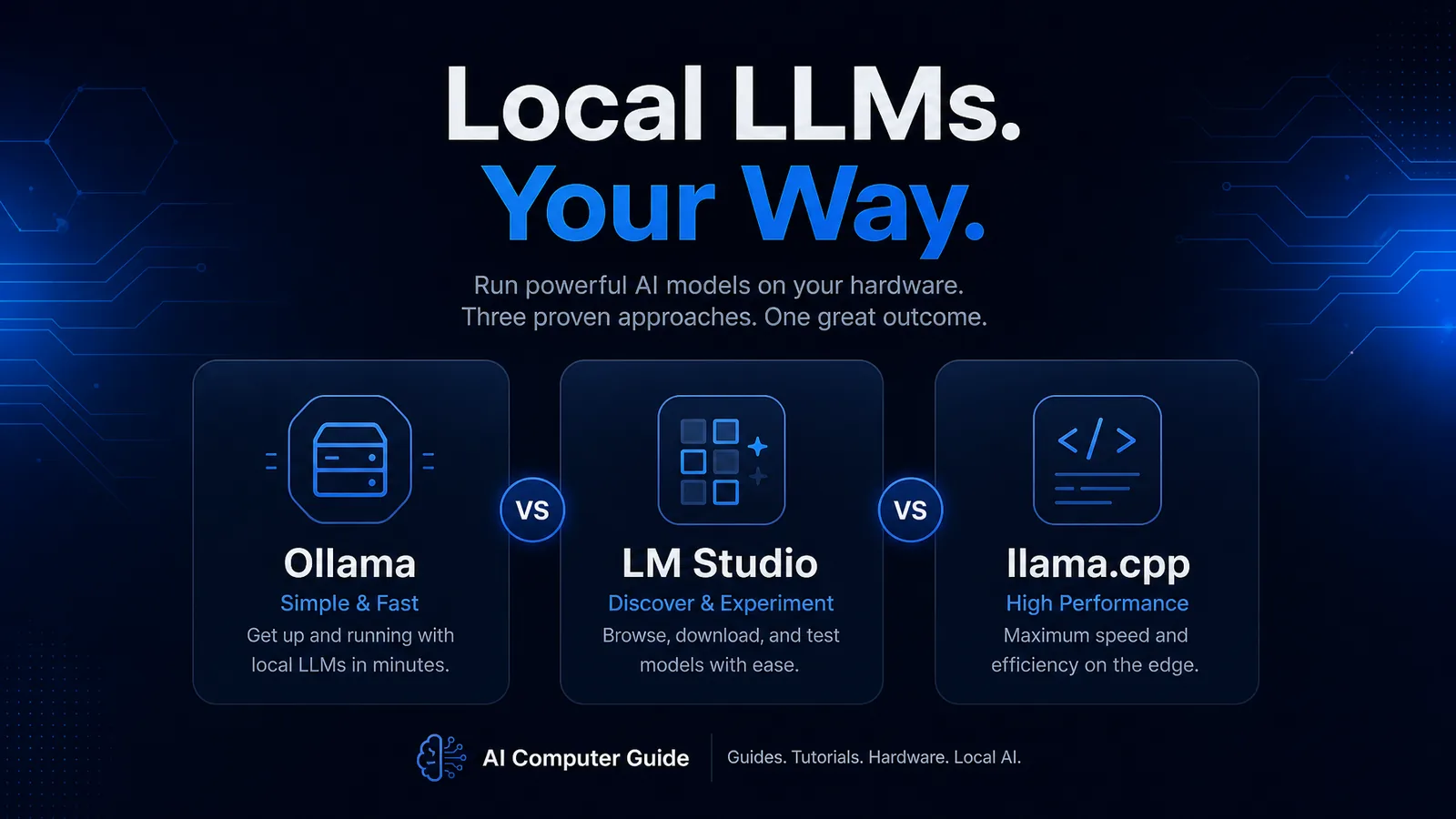
If you only remember one stack diagram for local LLMs in 2026, make it this:
llama.cpp (engine) → Ollama / LM Studio / others (product UX on top).
Most “Ollama vs LM Studio” fights are really about workflow, while peak tokens/sec debates often collapse to who wraps llama.cpp with fewer bottlenecks. Recent playbooks still describe llama.cpp as the C/C++ core under Ollama, LM Studio, GPT4All, Jan, and friends (Local LLM Playbook 2026).
Quick Verdict
| You want… | Start here |
|---|---|
| One-command model pulls, API for apps | Ollama |
| GUI, sampler tweaks, easy GGUF browsing | LM Studio |
| Max control, scripts, multi-GPU flags, benches | llama.cpp direct |
| “Fastest possible on this GPU” | Measure with llama-bench; often raw llama.cpp or a thin GUI |
Independent roundups still note Ollama can trail plain llama.cpp or LM Studio on the same hardware and weights (Ollama alternatives 2026).
Head-to-Head
Ollama
Strengths
- Dead-simple
ollama run/ Modelfile workflow - Local OpenAI-compatible API for Open WebUI, agents, IDE plugins
- Huge mindshare for beginners and small business guides on this site
Trade-offs
- Abstraction tax: fewer knobs than raw llama.cpp
- Some AMD/ROCm paths need extra care vs CUDA defaults (Ollama install notes)
- Speed is “good enough,” not always leaderboard
Best with: small business local AI, always-on home servers.
LM Studio
Strengths
- Polished desktop UI for discovering and loading GGUF
- Clear VRAM/CPU offload controls for newcomers
- Great for side-by-side model shopping without a terminal
Trade-offs
- Heavier app footprint than a CLI daemon
- Power users eventually export settings into scripts anyway
Best with: first 16GB GPU box, Windows desktops, demo days.
llama.cpp
Strengths
- Source of truth for GGUF performance and new arch support
- First place bleeding-edge models land (see Flash / custom quants)
- Flags for threads, offload, MoE CPU experts, speculative decoding, etc.
- Community advice when dual-GPU tinkering: “try llama.cpp, more tuneable than Ollama/LM Studio” (multi-GPU hobbyist threads)
Trade-offs
- You own builds, paths, and upgrades
- No pretty model store unless you add one
Best with: DeepSeek V4 Flash-class MoE, multi-GPU, reproducible benches.
Hardware Pairing Guide
| Hardware tier | Suggested stack |
|---|---|
| Laptop / 8-12GB VRAM | LM Studio or Ollama + small Q4/Q5 models |
| Single 16GB GPU | Ollama daily driver; llama.cpp when tuning 32B quants |
| 24-48GB (3090/4090/dual) | llama.cpp or vLLM-class servers for serious throughput |
| 128GB RAM MoE workstation | llama.cpp first (V4 Flash guide) |
| AMD RX 9070 XT in stock | Ollama/llama.cpp with ROCm/Vulkan validation; expect more DIY than CUDA |
Catalog reminder: RX 9070 XT showed in stock on our 2026-08-04 hardware feed while several NVIDIA 50-series cards did not. CUDA still wins “it just works” tutorials.
Performance Mindset
- Fix the weights and quant before blaming the GUI.
- Bench with the same prompt length and context.
- If Ollama is 10-20% slower than llama.cpp on identical GGUF, that can be normal product overhead (alternatives writeup).
- For agents, time-to-first-token on long prompts matters more than peak tg128 brag numbers (Flash CPU vs Spark table makes this obvious).
FAQ
Is Ollama slower than llama.cpp? Often slightly on matched models, because it is a product layer. Many users never notice until they chase last-token latency.
Can LM Studio replace a server? For single-user desktops, yes. For multi-user home labs, Ollama or llama.cpp server + Open WebUI scales more cleanly.
Do I need all three installed? No. Pick one daily driver. Keep llama.cpp around when a brand-new arch ships and GUIs lag a week.
Bottom Line
- Ollama = default network API and simplicity.
- LM Studio = best guided GUI.
- llama.cpp = maximum performance and first support for new models.
Build the PC in the AI Computer Builder, then match the stack to the job, not the hype cycle.
As an Amazon Associate, I earn from qualifying purchases.
About the Author: Justin Murray
AI Computer Guide Founder, has over a decade of AI and computer hardware experience. From leading the cryptocurrency mining hardware rush to repairing personal and commercial computer hardware, Justin has always had a passion for sharing knowledge and the cutting edge.