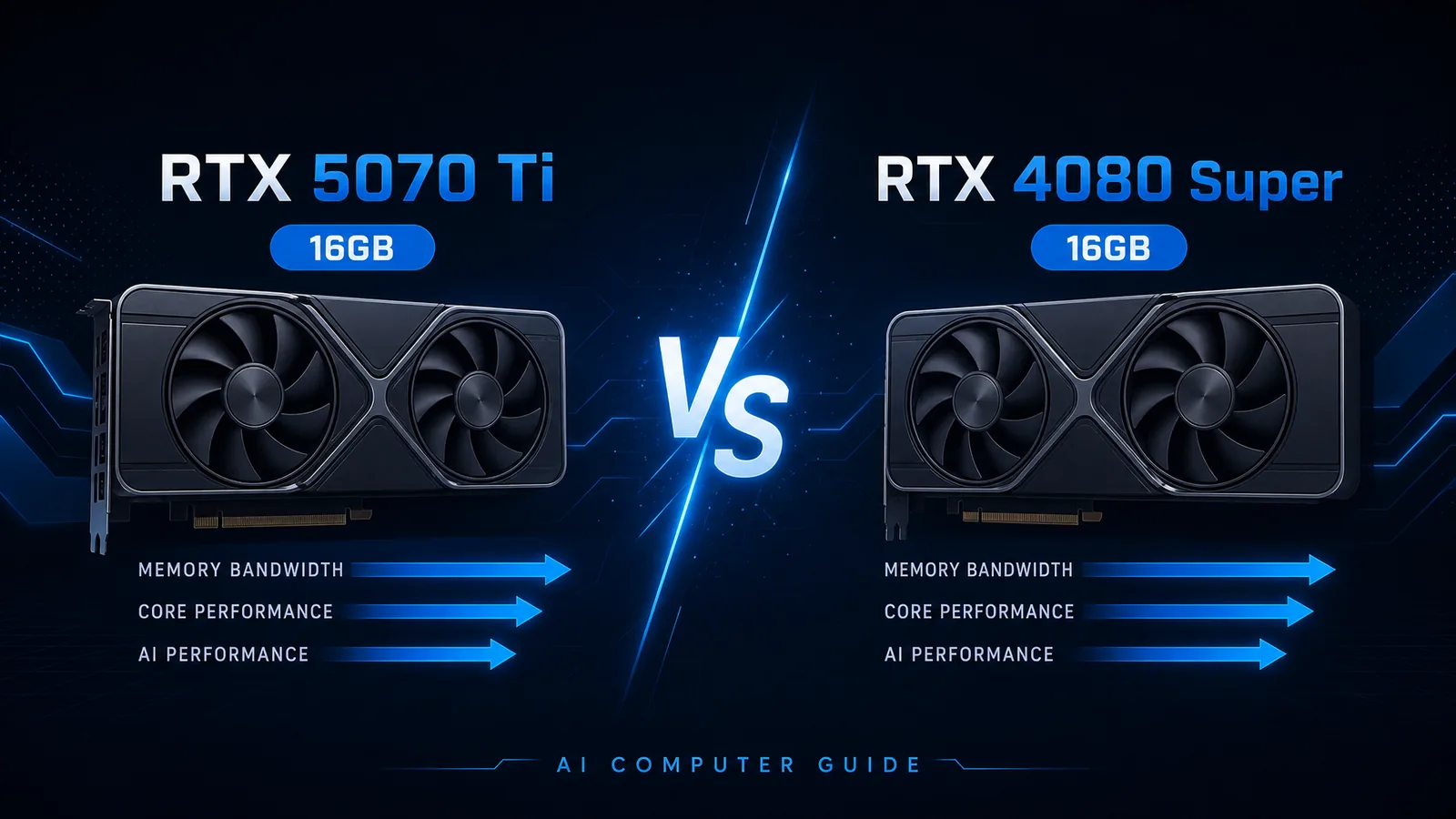
Both cards ship 16GB of memory. Both sit in the “serious local LLM” bracket. The real question for 2026 buyers is whether Blackwell RTX 5070 Ti beats Ada RTX 4080 Super on tokens/sec, efficiency, and street price once VRAM capacity is a wash.
Catalog prices from AI Computer Guide hardware data (2026-08-04): 5070 Ti ~$949.97, 4080 Super ~$1,519.99. That gap alone decides many builds before benchmarks load.
Specs Snapshot
| Spec | RTX 5070 Ti | RTX 4080 Super |
|---|---|---|
| VRAM | 16GB GDDR7 | 16GB GDDR6X |
| Bandwidth (catalog) | ~896 GB/s | high Ada 16GB class |
| TDP | 300W | ~320W class boards |
| Architecture | Blackwell | Ada Lovelace |
| Catalog price | ~$950 | ~$1,520 |
| Stock (feed) | Often tight / OOS flag | Often tight / OOS flag |
| ASIN | B0DTR8FDMN | B0CQPZTRL3 |
VRAM capacity is identical, so model size ceilings match. Differences show up in throughput, power, features (FP4/FP8 paths on newer stacks), driver maturity, and price.
VRAM: Same Ceiling, Different Memory Tech
With 16GB on both:
| Workload | Fits? |
|---|---|
| 7B–14B Q4/Q5 chat + coding | Yes on both |
| ~32B Q4 | Usually yes with context discipline |
| 70B Q4 full GPU | No on both without offload/multi-GPU |
| QLoRA 8B-class finetunes | Yes; see fine-tuning on 16GB |
If your blocker is “I need 24GB+,” neither card solves it. Jump to 24GB comparisons or 5090 vs dual 3090.
Benchmark Lens (Tokens/Sec)
Public relative numbers for Llama 3.1 8B Q4_K_M-style runs (one published comparison table):
| GPU | ~tok/s |
|---|---|
| RTX 5080 | 132 |
| RTX 5070 Ti | 115 |
| RTX 4080 Super | 110 |
| RTX 3090 | 115 |
Source: llmconfigurator comparison embedded on RTX 5080 page.
Takeaways:
- 5070 Ti ≈ 4080 Super on that 8B reference (slight edge to 5070 Ti).
- Neither approaches 4090/5090.
- Engine, quantization, context, and CPU bottlenecks can erase a 5 tok/s gap.
For heavier 32B quants, prioritize stable VRAM headroom and memory bandwidth over 8B brag sheets. Community threads debating 5070 Ti for AI still stress 16GB limits more than raw SM counts (r/LocalLLaMA 5070 Ti for AI).
Power, Noise, Platform
| Factor | 5070 Ti | 4080 Super |
|---|---|---|
| Board power | 300W TDP class | Often similar or slightly higher |
| PSU comfort | Quality 750-850W+ depending on CPU | Same planning band |
| Software | Newer Blackwell path | Extremely mature Ada CUDA ecosystem |
If you already own a fine Ada system and find a cheap 4080 Super, staying Ada is rational. If you buy new at list-like pricing, 5070 Ti’s catalog gap (~$570 cheaper in our snapshot) is decisive.
Price / Performance
Using catalog prices and the 8B reference tok/s:
| Card | Price | Ref tok/s | ~Price per tok/s |
|---|---|---|---|
| 5070 Ti | $950 | 115 | ~$8.3 |
| 4080 Super | $1,520 | 110 | ~$13.8 |
That is a brutal value gap at snapshot pricing. Only a large used discount on 4080 Super flips the math.
Which Should You Buy?
Choose RTX 5070 Ti if you:
- Buy new near ~$950
- Want GDDR7 + newer inference features
- Accept possible early-stock friction
Choose RTX 4080 Super if you:
- Find it hundreds below 5070 Ti street price
- Need a specific Ada-only workflow you already trust
- Prefer a mature board partner cooler you can inspect used
Choose neither if you:
- Are VRAM-bound on 70B (get 24GB+)
- Only run tiny models (12GB cards may suffice; see budget GPU guide)
FAQ
Does the 5070 Ti run models the 4080 Super cannot? Not at the 16GB capacity layer. Both load the same quant sizes. Speed and feature support differ; capacity does not.
Is 16GB enough for Qwen / Llama coding models? For popular quantized mid-size coding models, yes. Keep context windows realistic and monitor KV cache.
Should I wait for better 50-series stock? If 4080 Super used prices collapse while 5070 Ti stays scalped, buy the card you can install this month at fair $/tok. Idle hardware ships zero tokens.
Bottom Line
At AI Computer Guide catalog prices on 2026-08-04, RTX 5070 Ti wins for most local LLM builders: similar 16GB capability, comparable mid-size speed in public 8B references, far better price. Take the 4080 Super only on a sharp deal or a locked-in Ada workflow.
- RTX 5070 Ti on Amazon
- RTX 4080 Super on Amazon
- Build the rest of the rig in the AI Computer Builder
As an Amazon Associate, I earn from qualifying purchases.
About the Author: Justin Murray
AI Computer Guide Founder, has over a decade of AI and computer hardware experience. From leading the cryptocurrency mining hardware rush to repairing personal and commercial computer hardware, Justin has always had a passion for sharing knowledge and the cutting edge.