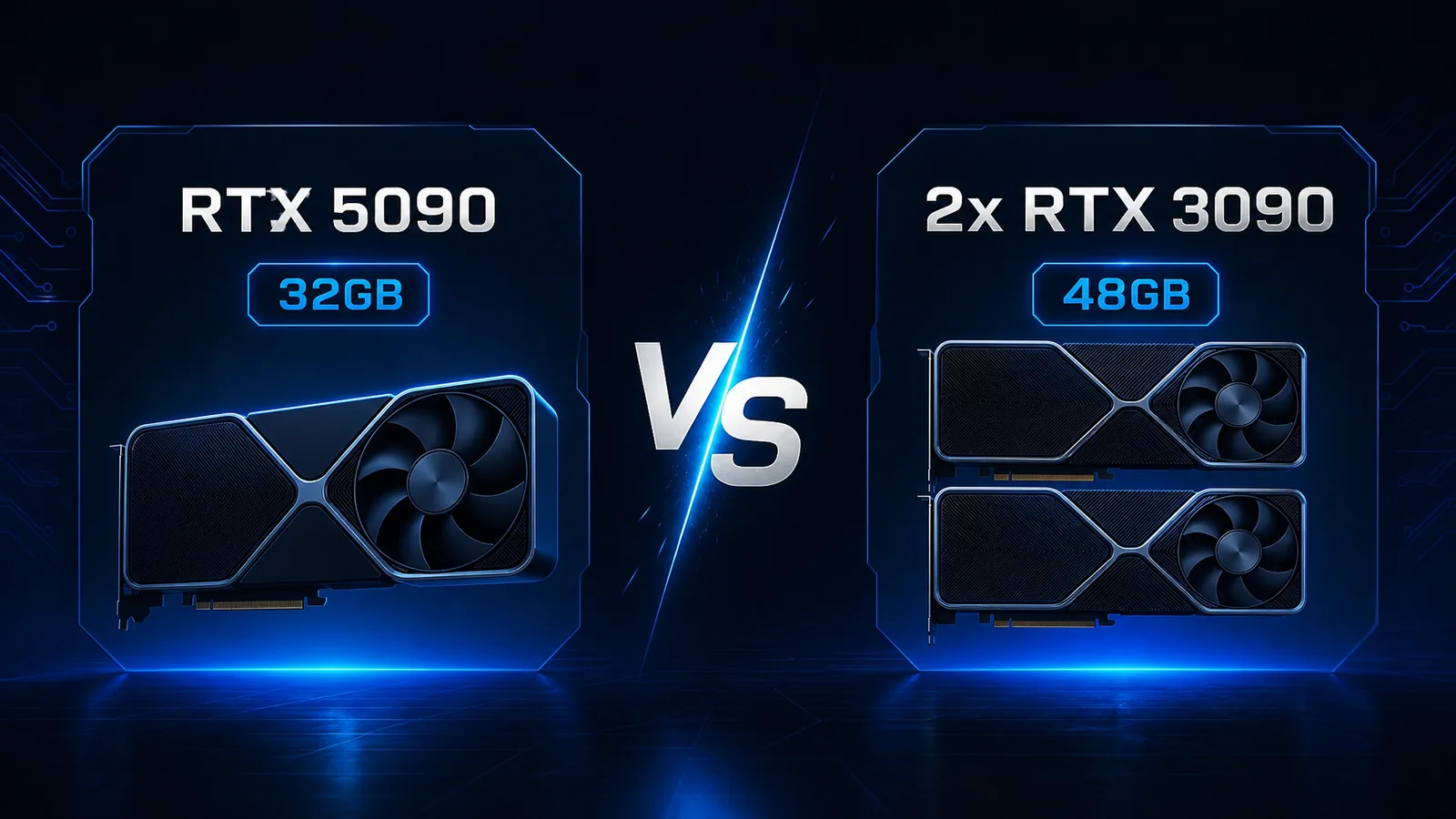
The headline fight for local DeepSeek R1 and 70B-class models in 2026 is simple: one RTX 5090 with 32GB GDDR7, or two used RTX 3090 cards for 48GB GDDR6X. Capacity and speed pull in opposite directions. Here is how to pick for DeepSeek R1, Llama-class 70B, and multi-user home labs.
Prices below reflect AI Computer Guide hardware.json snapshots (last updated 2026-08-04). Listings move fast; always re-check live Amazon links before you buy.
At a Glance
| Factor | RTX 5090 (single) | Dual RTX 3090 |
|---|---|---|
| VRAM | 32GB GDDR7 | 48GB GDDR6X (24GB × 2) |
| Memory bandwidth (card) | ~1792 GB/s | ~936 GB/s each |
| TDP | 575W | 350W × 2 = 700W GPU budget |
| Catalog price (2026-08-04) | ~$1,300 (often OOS) | |
| Best for | Max tokens/sec on models that fit 32GB | Larger quants / longer context / 70B+ comfort |
| Pain points | Stock, PSU, single-card ceiling at 32GB | PCIe lanes, dual-slot power, split-model tuning |
| DeepSeek R1 fit | Excellent speed on 32B–70B Q-range that fits 32GB | More headroom for higher quants and KV cache |
Quick verdict: Choose the 5090 when you want the fastest single-GPU Blackwell stack and your target models stay inside 32GB. Choose dual 3090 when you need 48GB of poolable VRAM for bigger quants, longer context, or multi-model workflows and you accept multi-GPU setup cost.
Specs That Matter for Local LLMs
LLM inference is memory-bound more often than gamers expect. VRAM decides which model and quant you load. Bandwidth and tensor throughput decide how fast tokens stream once weights fit.
| Spec | RTX 5090 | RTX 3090 (each) |
|---|---|---|
| Architecture | Blackwell | Ampere |
| VRAM | 32GB GDDR7 | 24GB GDDR6X |
| Catalog AI performance index* | 3352 | (lower gen; still strong at 24GB) |
| TDP | 575W | 350W |
| ASIN (affiliate) | B0DS2WQZ2M | B08HR7SV3M |
*Internal hardware catalog index from AI Computer Guide data files, useful for relative ranking on this site.
Dual 3090 wins raw capacity (48 vs 32). The 5090 wins per-card bandwidth and modern tensor path (including stronger FP4/FP8 stacks on Blackwell tooling). Community multi-GPU writeups still treat dual 3090 as the classic path to 48GB for home labs (r/LocalLLaMA dual 3090 vs 5090 thread; multi-GPU setup overview).
DeepSeek R1: What Actually Fits
Use this as a planning table for weights only. Real peaks add KV cache, context, batch size, and framework overhead. Cross-check with our Will It Run? tool and the dedicated Best GPU for DeepSeek R1 guide.
| Workload (approx.) | ~VRAM need | Single 5090 (32GB) | Dual 3090 (48GB) |
|---|---|---|---|
| DeepSeek R1 / distill ~7B–14B Q4 | ~5-10GB | Comfortable + headroom | Comfortable |
| ~32B Q4 class | ~18-24GB | Fits with context care | Fits easily |
| ~70B Q4 class | ~35-42GB weights | Needs aggressive quant or offload | Fits more cleanly |
| ~70B higher quant / long context | 40GB+ | Tight or split/offload | Prefer dual 24GB pool |
| Multi-user / agent + embedding side models | Varies | Risk of thrash at 32GB | Extra 16GB cushion helps |
Rule of thumb: If your primary goal is highest quant quality on 70B-class at home, dual 24GB cards still buy breathing room. If your goal is fast interactive chat on models that already fit 32GB, the 5090 is the cleaner single-card experience.
Speed vs Capacity
Single-GPU Blackwell inference avoids cross-GPU communication. That usually means smoother tok/s on models that fit entirely on the 5090.
Multi-GPU 3090 setups win when:
- You need more than 32GB resident weights + cache
- You run tensor/pipeline parallel stacks (llama.cpp multi-GPU, vLLM, exllama variants) and tune layer splits
- You keep one card hot for a chat model and park a second model or vision tower on the other
Expect multi-GPU to need more tinkering: PCIe topology, BIOS above-4G decoding, PSU with enough PCIe cables, and case airflow for two high-TDP boards. Guides that cover dual 3090 vs 5090 trade capacity against complexity (compute-market multi-GPU 2026).
Cost, Power, and Platform Reality
| Cost bucket | RTX 5090 path | Dual 3090 path |
|---|---|---|
| GPUs (catalog 2026-08-04) | ~$1,300 (availability often poor) | ~$800–$1,000 used/new mix for a pair when deals appear |
| PSU | 1000W+ quality unit common | 1000-1200W with 4+ PCIe power leads |
| Motherboard | One x16 slot is enough | Prefer dual x16/x8 electrical; check lane layout |
| Ongoing power | One 575W board | Up to ~700W GPU board power under dual load |
Value king narratives still favor used 3090 capacity for local AI dollar-per-GB (XDA on used 3090 value patterns remain common in the community). The 5090 is the “pay for speed and simplicity” card when stock exists.
Decision Matrix
Buy the RTX 5090 if you:
- Want one card, one cooler, one PCIe slot
- Target models that fit 32GB at your preferred quant
- Care about Blackwell tooling, bandwidth, and future single-GPU software defaults
- Prefer fewer moving parts than multi-GPU orchestration
Buy dual RTX 3090 if you:
- Need 48GB for higher quants or long-context 70B-class work
- Already own one 3090 and can add a second
- Accept used-market shopping and dual-GPU software setup
- Optimize for $/GB VRAM over peak single-stream tok/s
Skip both if you:
- Only run 7B–14B chat (see Best Budget GPU for AI)
- Want a simpler 16GB sweet spot (next guide in this series)
FAQ
Does NVLink matter in 2026 for two 3090s? For many llama.cpp and consumer stacks, PCIe is enough. NVLink helps specific multi-GPU patterns but is not required for every dual-card LLM setup. Validate your framework’s multi-GPU path before you pay a premium for bridges.
Can a single 5090 replace dual 3090 for DeepSeek R1 70B? For aggressive quants and moderate context, often yes. For higher-quality quants and long context, 48GB still wins on fit. Start from weight size + KV estimate, then test.
What PSU should I plan for dual 3090? Budget a quality 1000-1200W unit with native PCIe power cables for both cards plus CPU headroom. Do not daisy-chain weak adapters.
Is the 5090 worth it if it is out of stock at MSRP-like pricing? If street price spikes toward prior-gen halo cards, dual 3090 capacity can retake the value crown. Watch live listings and total system power, not just GPU sticker price.
Bottom Line
- Speed + simplicity inside 32GB: RTX 5090
- Maximum VRAM pool for DeepSeek R1 / 70B quality: dual RTX 3090
- Configure the full rig in the AI Computer Builder and sanity-check models with Will It Run?
As an Amazon Associate, I earn from qualifying purchases.
About the Author: Justin Murray
AI Computer Guide Founder, has over a decade of AI and computer hardware experience. From leading the cryptocurrency mining hardware rush to repairing personal and commercial computer hardware, Justin has always had a passion for sharing knowledge and the cutting edge.